
No Local Server
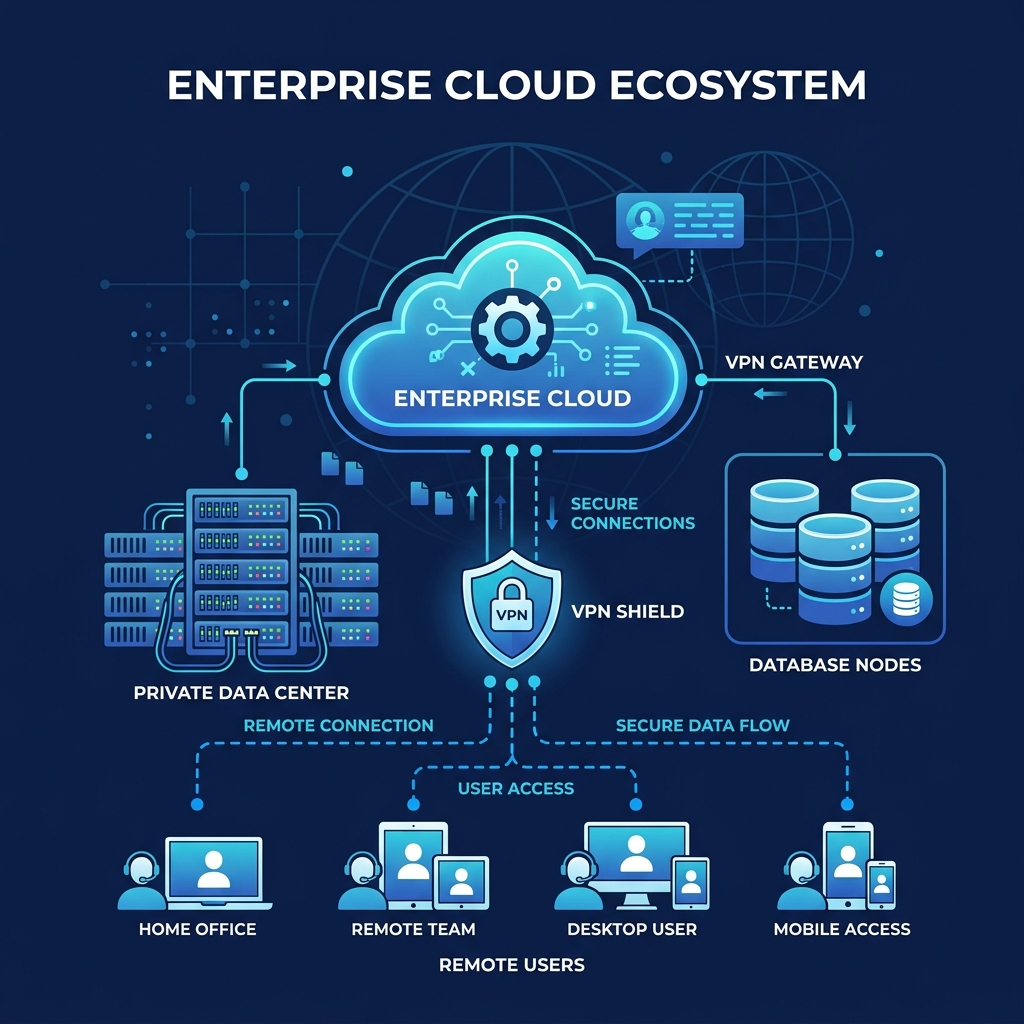
No Local Server Needed: Decommission exchange servers and file shares. Safe cloud hosting.
Setup, seamless migration, and continuous support for your Microsoft 365 environment.
Microsoft 365 is the world's leading business collaboration platform. We manage the implementation, account migration, and overall administration of Exchange professional email, SharePoint shared folders, Teams messaging, and standard desktop Office applications.
Zero-Downtime Email Migration: We transfer all historical mailboxes, folders, and calendar records to Exchange Online with no interruption to your business.
SharePoint & Teams Structure: Design of secure file libraries, user access groups, and dedicated Teams communication channels.
Spam and Phishing Hardening: Protection of email credentials using MFA, safe attachments filters, and anti-phishing policies.
Direct IT Support Helpdesk: Quick resolution of user queries, permission changes, and onboarding/offboarding of employees.
Target Profile: Designed for small-to-medium enterprises that need to standardize their business tools, replace aging in-house email servers, and establish a cohesive, modern workspace.
No Local Server Needed: Decommission exchange servers and file shares. Safe cloud hosting.
Total Access: Sychronized files and inbox items accessible on mobile, tablets or computers.
Robust Protection: Inbound email filtering against malware, ransomware and credential harvesting.
High Scalability: Scale up or down licensing counts as your workforce changes.
| Feature | Unstructured M365 | M365 Managed by ProCloud |
|---|---|---|
| Document organization | Chaotic folder structures, frequent duplicates and difficulty finding files. | Clear SharePoint architecture, efficient synchronization and file version control. |
| Security | Default configurations, vulnerable to phishing and no mandatory MFA. | Mandatory Multi-Factor Authentication, advanced mail filtering and identity protection. |
| Permissions | Shared accounts, excessive access rights and lack of control over data visibility. | Role-based restricted access (least privilege) and external sharing audits. |
| Backups | Reliance on Microsoft's default retention policies (not a true backup). | Automated daily external backup of mailboxes, Teams and SharePoint data. |
| Remote work | Connection issues, slow file loading and no device security control. | Secure remote access from anywhere with approved device policies. |
| Support | Slow incident resolution, no dedicated engineer and generic support lines. | Proactive IT support, rapid resolution and direct contact with specialists. |
We migrate your mailboxes completely. All emails, folders, contacts, and calendar records are replicated to Exchange Online without data loss.
Yes. Microsoft provides secure native mobile apps for iOS and Android, allowing you to access files and join meetings securely on the go.
Extremely. SharePoint features enterprise-grade encryption in transit and at rest, file version histories, and solid backup restoration systems.
Tell us what system you currently have and we will help you define a secure, scalable cloud, hybrid, or remote access solution.
Contact us